Network switch ports are the physical points on a switch where Ethernet cables connect devices. They are the foundation of how data flows in a wired network. Whether you’re managing a few computers at home or hundreds of devices in an office, knowing about switch ports, their speeds, and their numbers helps you design a strong and reliable system. This guide explains everything step by step from port basics to real-world setups so you can choose the right solution with confidence.
Understanding Network Switch Ports and Their Importance
Think of a network as a busy highway, and each device is a car. A switch acts like a toll booth directing cars, while the ports are the lanes where traffic flows in and out. Without enough lanes, traffic jams form, slowing everything down.
Network switch ports allow you to connect multiple devices, like laptops, printers, cameras, or servers, so they can share data. The number and type of ports you have will affect the performance of your network. A good setup saves time, prevents slowdowns, and ensures smooth communication between devices.
Basics of Network Switches and Port Functions
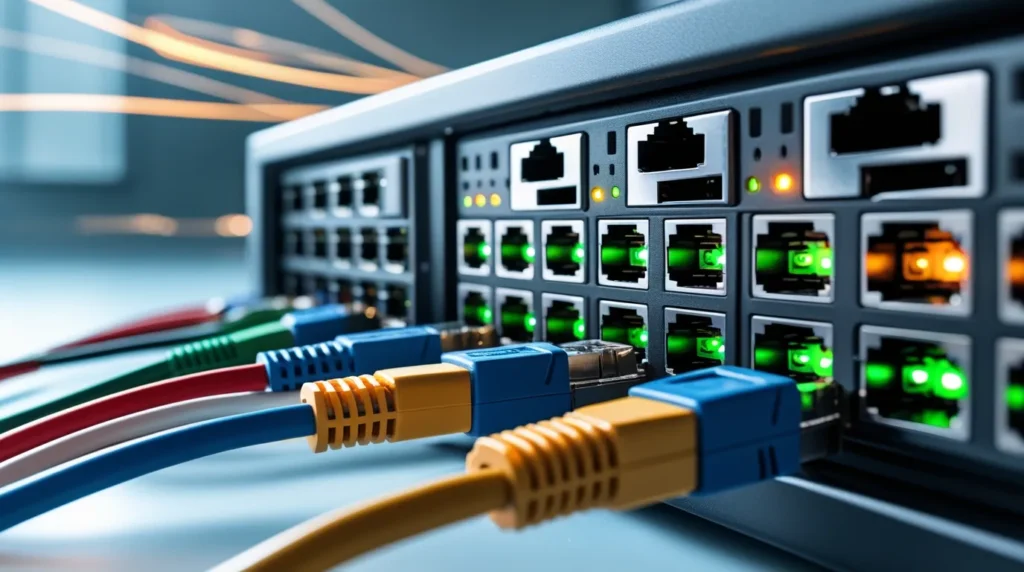
At its core, a switch is a device that connects multiple machines and makes sure data reaches the right destination. Each port plays three main roles:
- Receiving data Ports accept signals from connected devices.
- Forwarding data The switch checks the address and sends it to the right port.
- Managing flow Ports control speed and reduce collisions.
Some switches are unmanaged, meaning they work automatically, while managed switches allow you to control how ports behave. For example, an IT manager can assign priority to certain ports, ensuring servers get faster data flow than less important devices.
Different Types of Switch Ports Explained
Switch ports are not all the same. Here are the most common ones:
- Fast Ethernet Ports (100 Mbps) Good for light use like email or browsing.
- Gigabit Ethernet Ports (1 Gbps) Standard in most homes and offices today.
- 10-Gigabit Ports (10 Gbps) Used in larger businesses or data centers.
- Uplink Ports Designed to connect switches together without slowing the network.
- Management Ports Found in managed switches for configuration and monitoring.
- Fiber Ports For long-distance, high-speed connections often seen in enterprise networks.
Choosing the right type depends on your needs. For example, if you’re running a video editing studio, Gigabit or 10-Gigabit ports are a must. But for small offices with just emails and spreadsheets, Fast Ethernet may be enough.
How Many Ports Does a Switch Have? A Simple Breakdown
Switches come in many sizes. Here’s a quick breakdown:
- Small Switches 4, 8, or 12 ports (great for homes or small teams).
- Mid-Range Switches 24 or 48 ports (ideal for growing businesses).
- Enterprise Switches 96, 128, or even 256 ports (for large networks).
The size you need depends on how many devices you plan to connect. Always count your current devices and add room for growth. It’s better to buy a slightly larger switch now than to replace it too soon.
Network Switch Ports Numbers: How They Work and Why They Matter
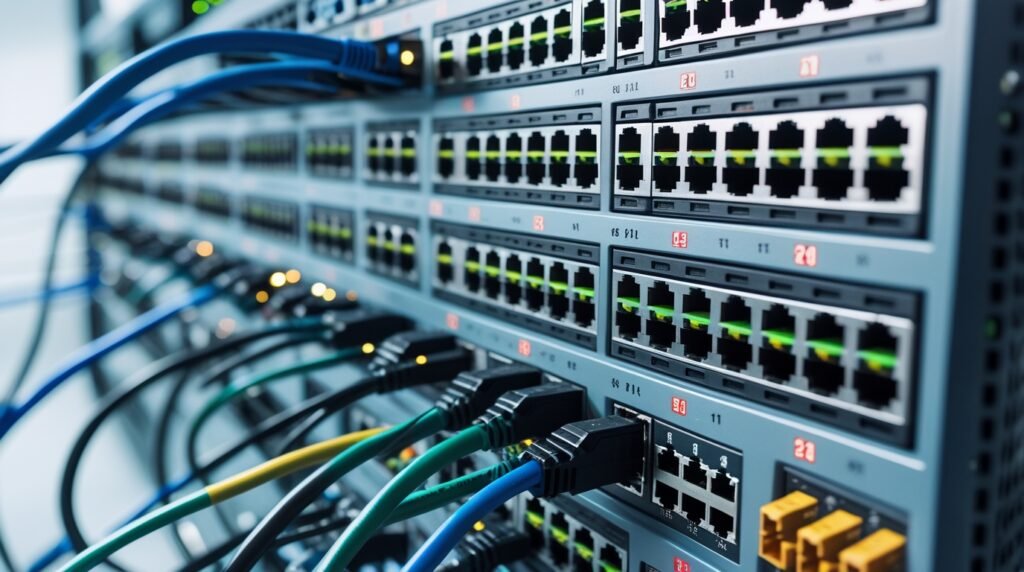
Each port on a switch has a number. These numbers aren’t just for looks they help with management. Imagine you have 48 devices plugged in. Without numbers, it would be impossible to know which cable goes where.
When technicians troubleshoot, they use port numbers to quickly identify issues. For example, if “Port 7” connects to your security camera and it stops working, you know exactly where to look.
So, when people talk about network switch ports, they mean both the physical ports and the system of numbering that makes network management easier. A well-labeled switch saves time, reduces confusion, and improves efficiency.
How Many Ports Can a Switch Have in Large Networks?
In large businesses, switches can have hundreds of ports. For example, a data center might use switches with 256 ports or more. But size isn’t always the solution.
Often, companies use multiple smaller switches linked together. This method, called stacking, makes networks easier to manage. If one switch fails, the others can keep working. It’s also easier to expand later without replacing everything.
So, while a switch can technically have a huge number of ports, many IT experts recommend a balanced approach: several mid-size switches instead of one giant one.
Checking How Many Ports Are on Your Switch
Finding your switch’s port count is simple:
- Look at the device Ports are usually grouped on the front panel.
- Check the labeling Numbers are printed next to each port.
- Review the manual The product guide lists all specifications.
- Log in online Managed switches often show port details in their dashboard.
If you’re unsure, plug in your devices and see if there are free ports left. Knowing this helps you plan upgrades. For example, if your switch has 8 ports and 7 are already in use, you’ll likely need a bigger switch soon.
Network Switch Speeds and Port Performance
Switch performance isn’t just about how many ports you have. Speed matters too. Here’s why:
- 100 Mbps Ports Fine for basic office tasks.
- 1 Gbps Ports Handle most modern workloads.
- 10 Gbps Ports Ideal for high-demand environments like servers or media production.
If you plug a high-speed computer into a slow port, performance drops to the lowest speed. That’s why it’s smart to match device needs with port capability. For example, connect servers to faster ports and printers to slower ones.
Ethernet Switch Speeds: What You Need to Know
Ethernet ports follow industry standards:
- 10/100 Mbps (Fast Ethernet) Now considered outdated.
- Gigabit Ethernet (1,000 Mbps) The standard for most homes and offices.
- 10 Gigabit Ethernet – Becoming more common as data needs grow.
- 40/100 Gigabit Ethernet Found in advanced data centers.
For most people, Gigabit ports are enough. They balance cost and speed well. But if you’re transferring huge files daily, a 10-Gigabit switch may be worth the upgrade. Always choose based on your real needs, not just what sounds impressive.
Choosing the Right Switch Ports for Your Setup
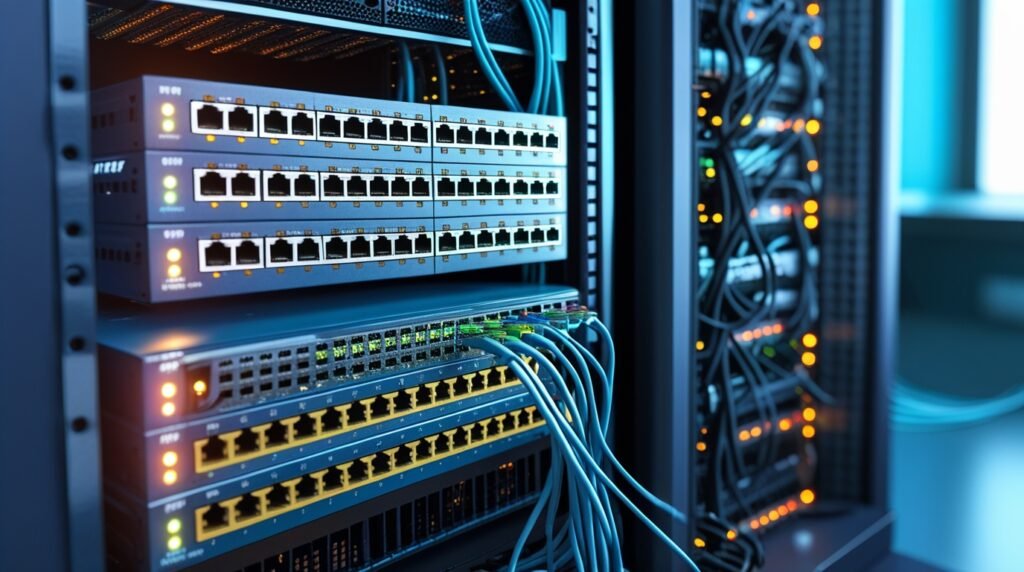
When deciding which switch to buy, ask yourself:
- How many devices do I need to connect? Count laptops, desktops, printers, cameras, and servers.
- What speeds do I need? If you use cloud software, Gigabit ports are essential.
- Will my network grow? Always leave 20–30% extra ports for future expansion.
- What is my budget? Balance cost with long-term value.
For a small office, a 24-port Gigabit switch may be perfect. For larger companies, stacking multiple 48-port switches works best. The right choice gives you flexibility and avoids costly mistakes.
Heritage Cabling: Trusted Network Switch Port Solutions in Dallas, TX
At Heritage Cabling, we’ve helped countless businesses design networks that work fast and stay reliable. From setting up small office switches to managing enterprise-grade systems, our team has the expertise to handle every project.
We know that the right number of ports, the correct speed, and a smart layout can make all the difference. Whether you’re upgrading old equipment or building a new system, our solutions are built for performance and growth. Trust Heritage Cabling to give you peace of mind with every connection.
Conclusion
Network switch ports are the foundation of every wired network. They decide how many devices you can connect, how fast data moves, and how easy it is to manage. By understanding port types, port numbers, and speeds, you can avoid bottlenecks and keep your network running smoothly.
If you’re planning to upgrade your network or start fresh, expert guidance makes the process easier. Heritage Cabling can help you choose the right switch and set it up properly. Contact us today and let us build the reliable network your business deserves.
Ready to make your network faster and more reliable? Talk to the experts at Heritage Cabling today and get a system designed for your needs.