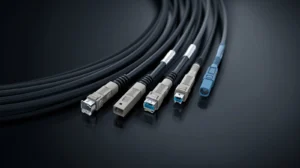
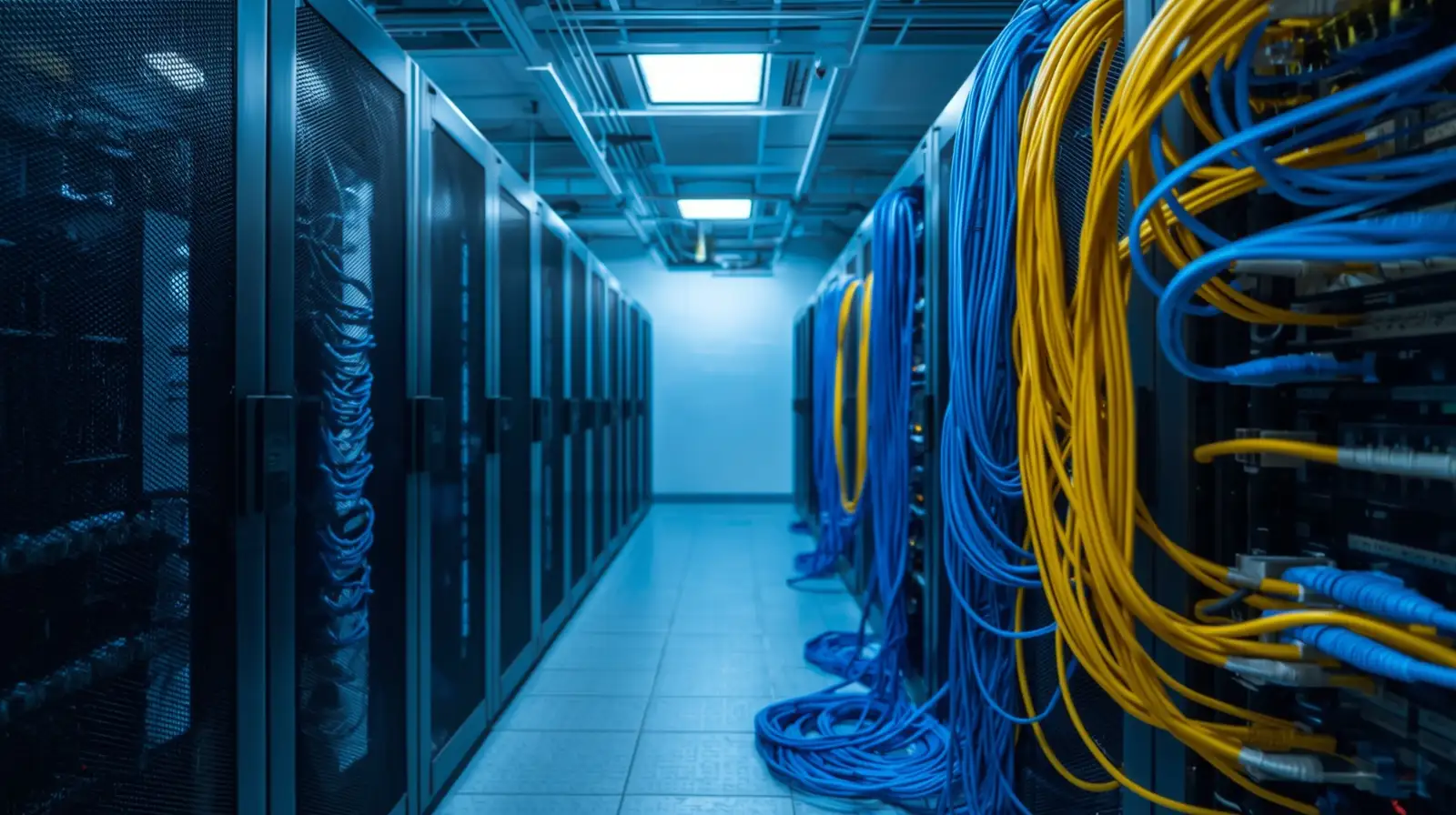
Network Cable Management means keeping network wires neat, safe, and organized. Good cable layout helps a system run faster and makes repairs easier. It also prevents slowdowns caused by tangled or damaged cables. Clear cable paths protect equipment and help networks stay stable.
This blog explains how cable management works, why it matters for homes and workplaces, and how smart planning protects your investment. You will learn simple methods that even beginners can follow and you will see how experts handle bigger setups like server racks.
What Network Cable Management Means and Why It Matters
Network Cable Management is the process of keeping all network wires neat, labeled, and safe. When cables are organized, the network works better. When they are messy, slowdowns happen. Many people forget that cables act like the veins of a system. If they twist, bend, or pile up, signals weaken and devices perform poorly.
Good cable layout also makes repair time shorter. When each cable has a clear path, you can find problems faster. This helps both small home networks and large office networks. A clean cable setup also lowers the risk of damage caused by heat or weight from tightly packed wires.
Experts use cable channels, racks, trays, and labeling tools to guide cables in the right direction. These simple steps create a safer and more stable network for long term use. When a network grows, clean cable pathways help new devices connect without confusion or risk.
How Clean Cable Systems Improve Everyday Network Performance
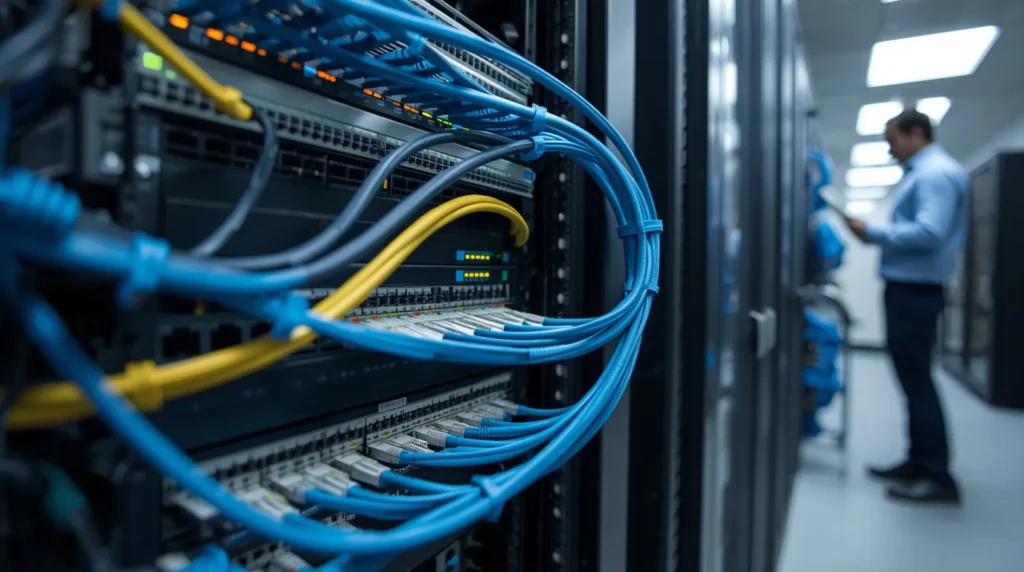
Clean cable systems help performance in many ways. When cables are spaced well, signals stay strong. Devices like computers, switches, and WiFi access points can talk to each other with less interference. This leads to faster loading times and fewer connection drops.
Tidy cables reduce the chance of dust buildup. Dust hurts airflow and makes equipment heat up. Heat slows devices and shortens their life. Organized cables also lower tripping hazards for staff or visitors. When cables sit off the floor, people move safely.
Another benefit is easy upgrades. When the time comes to add a new device, a clean system gives you a clear path to plug in without unplugging anything else. This saves money because upgrades take less time and cause fewer mistakes.
The Role of Network Cable Management in Modern Offices
Modern offices depend on fast and stable networks. Employees need smooth video calls, quick downloads, and steady cloud access. Without neat cable systems, office networks get messy. A small mess grows fast when new computers and tools are added.
A good system includes pathways for current needs and extra space for future growth. Organized cables prevent signal interference between power cords and data lines. This makes the network stable and reliable.
In many offices, equipment sits in one main area. If that area is neat, the whole network stays healthy. If it is messy, problems spread across the building. Clean systems also help new staff or IT workers understand the setup in minutes instead of hours. This builds trust and saves time.
Why Proper Data Cable Management Prevents Slowdowns and Failures
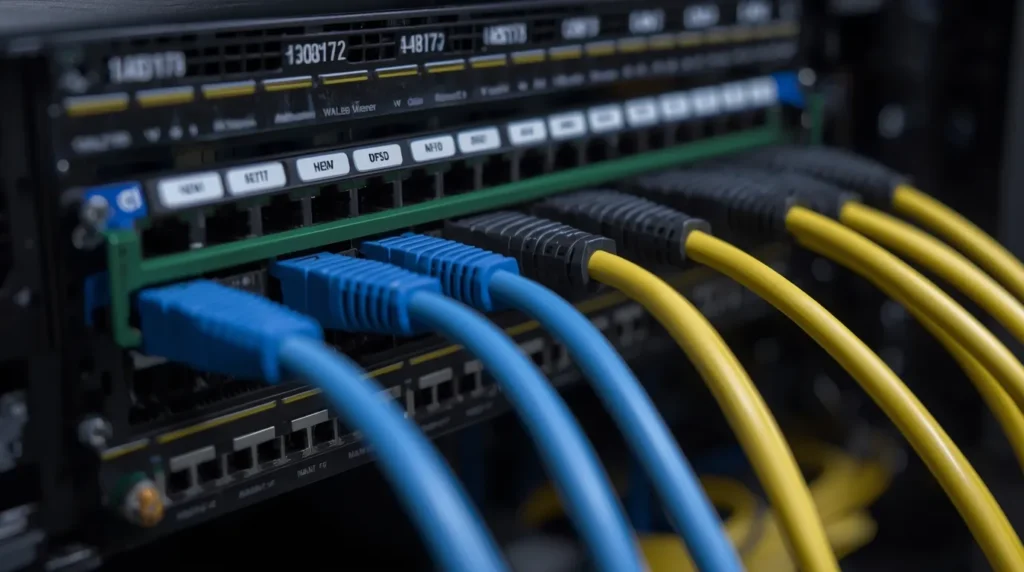
Data cable management keeps wires in the right place and protects them from bending or crushing. When cables bend too sharply, the signal gets weak. If they tangle, it becomes hard to figure out which cable does what. This leads to mistakes and downtime.
Good management keeps cables in smooth, safe paths. It also separates data wires from power cords. Power cords create noise that interferes with data signals. A small amount of noise can make a big difference in speed.
When cables are labeled, problems become easy to spot. A label tells you where the cable starts and where it ends. This prevents guesswork. It also stops someone from unplugging the wrong device during a repair.
These steps protect the network from sudden failures. When the network stays stable, employees work faster and equipment lasts longer.
Understanding Ethernet Cable Management for Stable Connections
Ethernet cables connect devices like computers, printers, switches, and servers. If they are pulled too tight or twisted, the signal becomes weak. Proper ethernet cable management creates smooth curves and clean pathways.
Good setups use velcro straps instead of plastic zip ties. Velcro holds the cable gently. Plastic ties squeeze the cable and can cause damage. Cable trays lift cables off the floor. This prevents tripping and water damage.
Many people forget that cables carry more than data. They carry responsibility. A neat setup allows quick fixes during outages. Homeowners benefit from simple layouts that help them reset routers or modems without stress. Offices benefit from stable connections that support daily tasks.
Server Rack Cable Management Best Practices Used by heritage cabling
Server racks hold powerful equipment that runs networks. These racks must stay clean and cool. heritage cabling follows best practices that protect both the equipment and the cables.
We group cables by function. This means power is on one side and data is on the other. This stops interference. We also guide cables behind the rack instead of letting them hang in front. This creates a smooth path for airflow.
Labeling is another best practice. Each cable gets a label at both ends. This makes repairs fast. We also use high quality rack accessories that keep cables in place. Strong cable bars hold heavy cables so they do not pull on ports.
By using methods based on real field experience, we keep networks safe and ready for future growth.
Network Rack Cable Management Tips That Keep Systems Safe
A safe and clean network rack follows simple habits that protect cables and equipment. Here are the key points.
- Keep data cables and power cables in separate paths to reduce signal problems.
- Use short cables for close devices and longer cables only when needed.
- Avoid sharp bends in any cable because bends weaken the signal over time.
- Make sure rack doors close without pressing on cables to prevent long term damage.
- Keep cable paths away from vents so airflow stays open and equipment stays cool.
- Clean the rack often to remove dust that can hurt performance.
- Use cable trays, channels, and velcro straps to keep cables neat and easy to follow.
- Check the rack every few months to fix loose cables and improve the layout.
These simple points make the network safer, faster, and easier to maintain.
How Server Cable Management Supports Future Scalability
Scalability means the network can grow without stress. Good server cable management helps with this. When cables follow clean paths, new cables fit in easily. When everything is labeled, new devices connect in minutes.
Future proofing also means planning extra space inside the rack. You might not need more switches today, but you may need them in a year. Leaving room today saves money tomorrow.
When the network grows, a clean layout prevents confusion. This protects the business from downtime. Simple planning steps give long term benefits. Good management also keeps equipment cool, which makes it last longer.
Real World Cable Management Challenges in Dallas
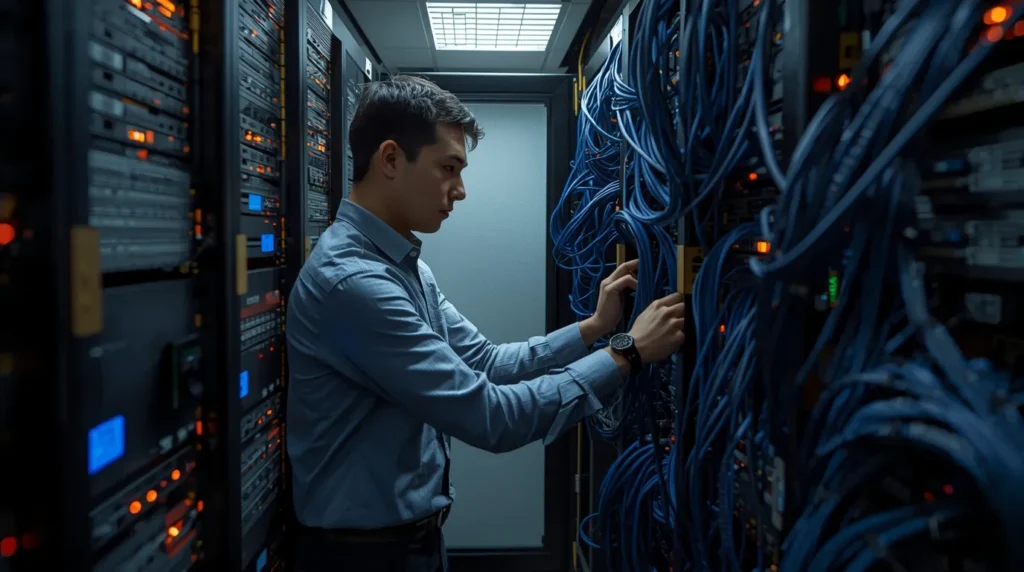
Many businesses in this area face fast growth. More staff means more devices. More devices mean more cables. Without planning, cables pile up quickly. High heat from equipment makes the problem worse. When cables block airflow, devices slow down.
Another challenge is space. Many offices use small network rooms. A neat layout becomes important in tight spaces. Simple mistakes, like crossing data lines with power cables, create signal problems.
heritage cabling has solved these issues for many clients by using clear planning, safe cable routes, and proper rack tools. Local companies trust these methods because the results are strong and long lasting.
Cable Management for Server Racks That Protects Your Investment
Server racks hold expensive equipment. A small mistake can destroy a port or reduce the lifespan of a device. Good cable management protects this investment by reducing strain on ports. Heavy cables should not hang from equipment. They need support bars to hold their weight.
Neat cables also keep service work fast and safe. When a technician can see everything clearly, they avoid unplugging the wrong device. This prevents outages.
Airflow protection is another key part. Cables must stay out of the way of fans. This keeps cooling strong and lowers electric costs. A cool system lasts longer and performs better.
When cable pathways stay clear, upgrades are simple. This makes your network ready for future needs.
Why heritage cabling Is the Trusted Choice for Network Cable Management
Many clients choose heritage cabling because we bring real field experience and a clear plan every time. We study the layout, check the equipment, and design a clean cable map that supports your goals. We believe that cable work should be simple, safe, and built to last.
Our team uses tools and methods that follow top industry standards. We focus on performance, airflow, and easy maintenance. We also teach clients how to understand their setup so they feel confident using it.
When your cables stay organized, your whole network becomes stronger. This reduces stress and protects your business for years to come.
You can reach our team anytime to discuss upgrades or new network needs. We take each project seriously and treat every system with care.
If you want a dependable team for a neat and stable system, reach out today and let us help build a setup that stays strong as your business grows.