When comparing a managed switch vs unmanaged, the key difference is control. Managed switches provide advanced features like traffic monitoring, security settings, and network management tools. Unmanaged switches, on the other hand, are simple plug-and-play devices with no customization. This article explains the definitions, differences, and benefits of each type. It also offers guidance on when to use them at home or in business. By the end, you’ll know which switch makes sense for your network and how to choose the right one confidently.
Introduction to Network Switches in Everyday Use
Imagine a busy intersection without traffic lights. Cars move in every direction, causing confusion and crashes. That’s how a network would look without switches. A network switch is like a traffic controller. It directs digital signals so devices can talk to each other. Computers, printers, phones, and security cameras all depend on it to share data.
Even though all switches connect devices, they don’t all offer the same level of control. Some are basic, while others allow you to set rules, track performance, and protect information. Knowing which type you need depends on how much traffic your network handles and how much control you want.
Why Businesses Need the Right Switch Setup
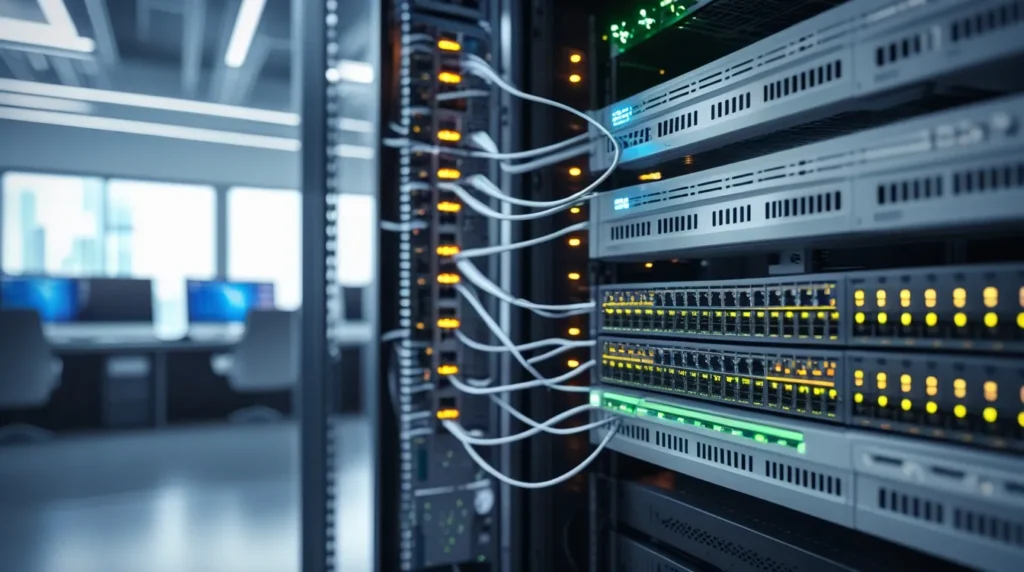
Businesses today run on data. From customer orders to internal communication, smooth connections are vital. The wrong switch setup can slow productivity, create security risks, and even cause costly downtime. Imagine an office where video calls keep dropping, or a retail store where card payments freeze during busy hours. These issues often trace back to poor network planning.
Choosing the right switch setup ensures every device has reliable access to the network. It helps protect private information, keeps the system flexible for growth, and reduces troubleshooting headaches. For businesses, the choice between managed and unmanaged switches is not just technical it’s strategic. A strong network setup supports daily operations and long-term success.
What Is a Managed Network Switch
A managed network switch is designed for control. Unlike its unmanaged counterpart, it doesn’t just connect devices it allows you to configure and monitor how the network behaves.
Features of a managed switch include:
- Traffic monitoring You can see how much data moves between devices.
- Quality of Service (QoS) Lets you prioritize important activities like video calls or online meetings.
- VLANs (Virtual Local Area Networks) Creates smaller, secure sections inside a network for different teams.
- Security tools Helps block suspicious activity or unauthorized access.
- Remote management IT staff can log in from anywhere to troubleshoot problems.
Because of these features, managed switches are common in medium to large businesses. They offer flexibility, better performance, and security. However, they require more knowledge to configure and cost more than unmanaged models.
What is an Unmanaged Switch
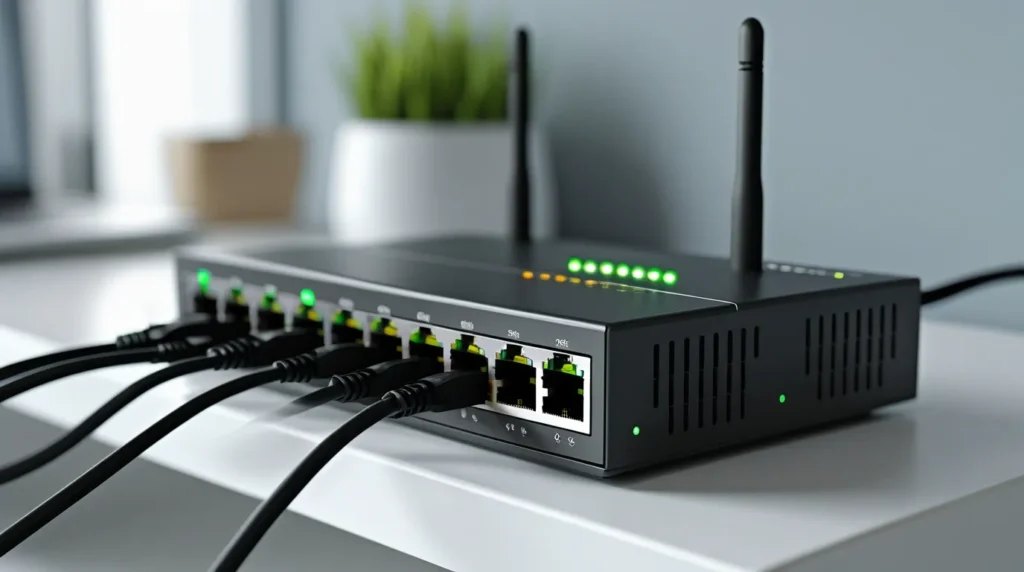
An unmanaged switch is the simpler option. It comes ready to use, requiring no setup. Just plug in your devices, and it distributes data automatically. That’s why unmanaged switches are sometimes described as “plug-and-play.”
They don’t include monitoring tools, traffic rules, or security settings. Their purpose is straightforward connect devices to the network and let them communicate. Unmanaged switches work best in homes, small offices, or temporary setups where advanced features aren’t needed.
The main strengths of an unmanaged switch are its low cost and simplicity. For users who don’t need customization, it provides a quick and easy way to expand a network.
Unmanaged Switch Meaning in Simple Terms
Put simply, the meaning of an unmanaged switch is “automatic connection.” It doesn’t think, plan, or prioritize—it just passes data between devices.
Picture this: your family streams movies, plays online games, and checks email all at once. An unmanaged switch doesn’t recognize which activity is more important. Everyone gets equal access. This can work fine in small environments but may create problems when many users or sensitive data are involved.
Unmanaged switches are perfect for people who don’t want to deal with setup or technical details. But if you need performance control or extra protection, they won’t be enough.
Difference Between Managed and Unmanaged Switch
The core difference between managed and unmanaged switches is control. Managed switches give you the ability to customize and monitor network traffic. Unmanaged switches do not.
Here’s a breakdown:
- Control: Managed allows changes; unmanaged does not.
- Security: Managed switches add monitoring and blocking tools.
- Scalability: Managed grows with your business; unmanaged stays basic.
- Ease of Use: Unmanaged is simpler; managed requires setup knowledge.
- Cost: Managed is more expensive but protects long-term investment.
If you’re running a home network with just a few devices, unmanaged is fine. For businesses or growing systems, managed switches provide the control and reliability you’ll need.
Key Features of Managed Switch vs Unmanaged
When evaluating managed switch vs unmanaged, here are the defining features:
Managed Switch:
- Customizable settings
- Remote monitoring
- Data prioritization
- Network segmentation
- Higher cost, higher flexibility
Unmanaged Switch:
- Plug-and-play setup
- No customization
- Lower cost
- Limited use cases
This comparison makes the choice clearer. Do you need more than just connections? If yes, a managed switch is worth the investment.
Benefits of a Managed Switch for Modern Networks
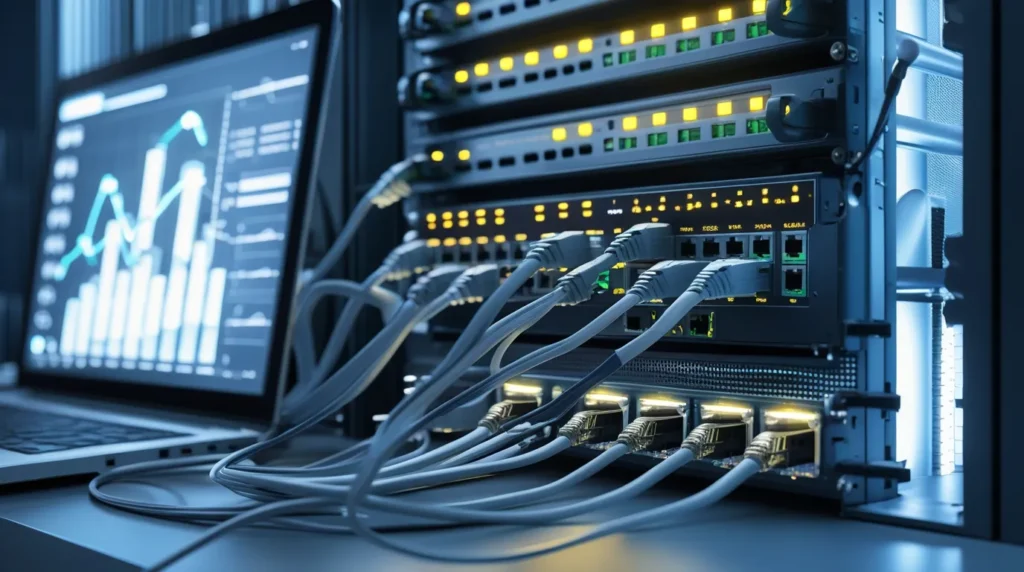
Managed switches come with clear benefits that justify their cost.
Key benefits include:
- Better Performance You can prioritize essential traffic so meetings, calls, or transactions run smoothly.
- Improved Security With features like VLANs, you can protect sensitive areas of the network.
- Easier Troubleshooting Problems can be spotted and fixed quickly with monitoring tools.
- Remote Control IT staff can manage the system from anywhere.
- Future-Proofing Managed switches adapt as new devices are added.
These benefits make managed switches ideal for companies or tech-heavy homes where stability and security are non-negotiable.
Do You Need a Managed Switch or Unmanaged Switch for Home?
For most households, an unmanaged switch will do the job. It’s simple, affordable, and requires no setup. Families connecting smart TVs, laptops, and gaming systems will find it sufficient.
However, if your home is filled with many devices like security cameras, smart systems, or work-from-home setups a managed switch may help. It ensures critical tasks, such as video calls or file transfers, run without interruption.
In short, the choice depends on how heavily your home network is used. For light use, unmanaged is fine. For heavier use, managed may be worth the extra investment.
Smart vs Managed Switch: Understanding the Middle Option
Smart switches bridge the gap between unmanaged and managed. They offer some advanced features, like traffic prioritization, without requiring the full knowledge needed for managed switches.
They’re easier to use than managed models and more flexible than unmanaged ones. For small businesses or advanced home setups, smart switches provide a balanced option. They’re not as powerful as managed switches but give you some control at a lower cost.
Think of smart switches as a “middle path” that suits those who want more than plug-and-play but don’t need full management.
How to Choose Managed or Unmanaged Switch in Dallas, TX
If you’re in Dallas, TX, choosing the right switch means thinking about both your current and future needs.
Ask yourself these questions:
- How many devices are connected today?
- Will you be adding more devices soon?
- Do you need extra security to protect sensitive data?
- What’s your budget?
For growing businesses, a managed switch is often the best long-term choice. For small offices or homes, unmanaged may be enough. Heritage Cabling has helped clients in Dallas evaluate these questions and select the best fit for their situation.
Final Thoughts: Managed Switch vs Unmanaged for Long-Term Value
The clear answer to the main question is this: if you want control, monitoring, and security, choose a managed switch. If you only need simple connections for a small network, an unmanaged switch is enough.
Both options serve important roles, but choosing wisely saves time and money. Heritage Cabling has seen both types succeed when matched correctly to the right environment. By understanding the strengths and limits of each, you can make an informed decision and build a network that works for years to come.
Need help setting up your network? Heritage Cabling can guide you in choosing the right switch and provide expert installation. Get started today with a solution that fits your needs.